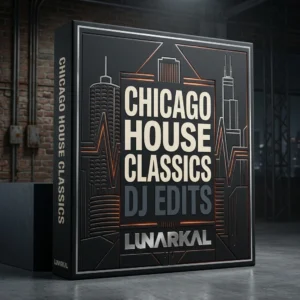
 343 tracks


Don’t Want To Miss Anything?
Be the first to see new arrivals, exclusive ideals and much more
LunarKal organizes DJ packs around genres, eras, edits and real-world set moments—so you can move from a broad idea to a focused collection without digging through an electronics-style storefront.
The pack page, simplified
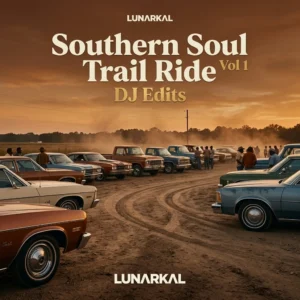
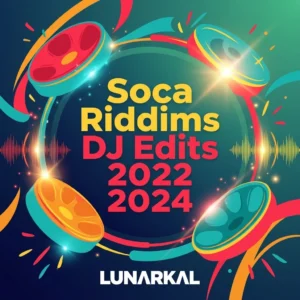
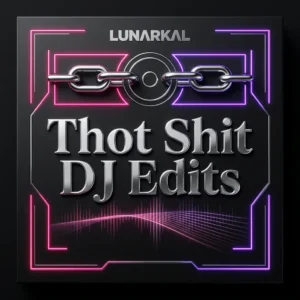
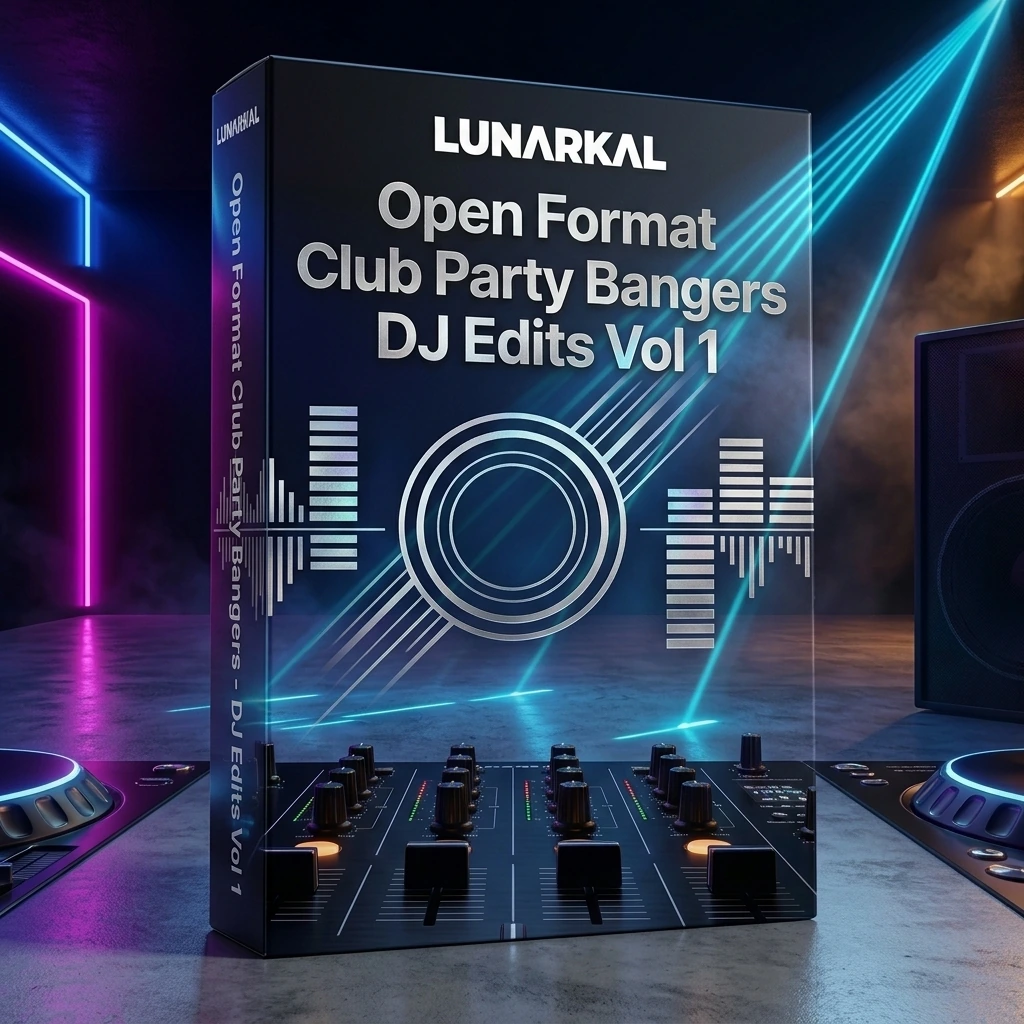
Every enriched product is presented with the approved album artwork followed by a focused 3D box mockup. The presentation stays consistent while the graphics respond to the pack itself.
Useful details, up front
Product pages pair concise descriptions with category information and the verified track count available for that pack.
Three simple moves
Start with a genre, decade, event type or broader open-format path.
Review its artwork, 3D presentation, description and available track count.
Open the product page to view its current price and complete the WooCommerce purchase flow.
Latest additions
Before you browse
No. The box is a visual presentation for the digital DJ pack. No physical product or shipping is implied.
Track counts vary by pack. When a verified count is available, it appears on the product card and product page.
Current pricing appears on each product card and on the corresponding WooCommerce product page.
Use the genre links above or browse the shop categories to narrow the library by sound and use case.
Open the complete LunarKal library and move directly into the categories and packs that fit your next set.
Browse all DJ packs →